
BriefingIQ · Digital signage
A perfect welcome, every visit.
The right name and schedule on every room screen, at every location.
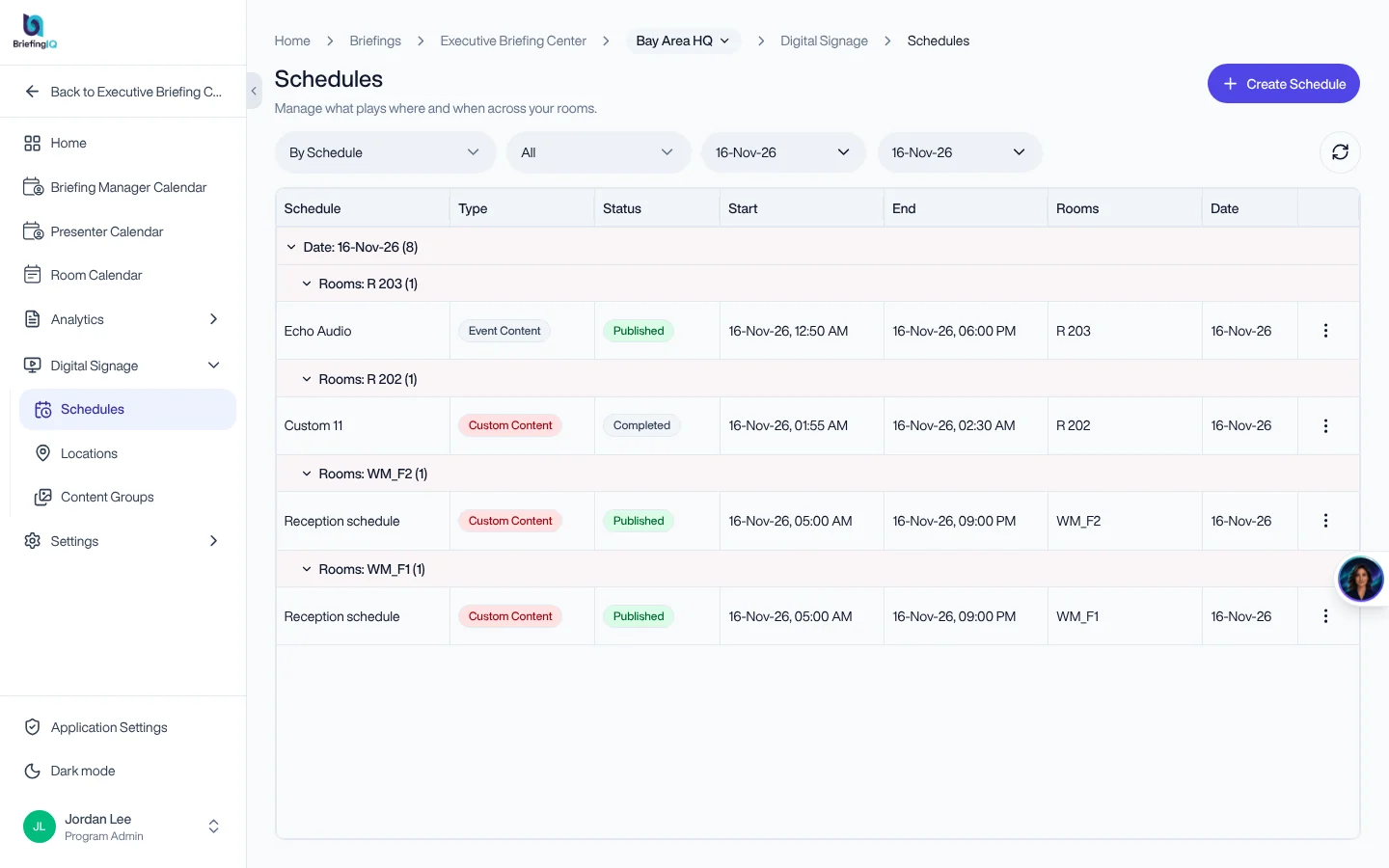
First impressions matter.
A welcome screen with the wrong name, or yesterday's schedule, undoes a lot of careful planning. BriefingIQ runs signage from the same records as your briefings, so screens show what's actually happening.
How it works
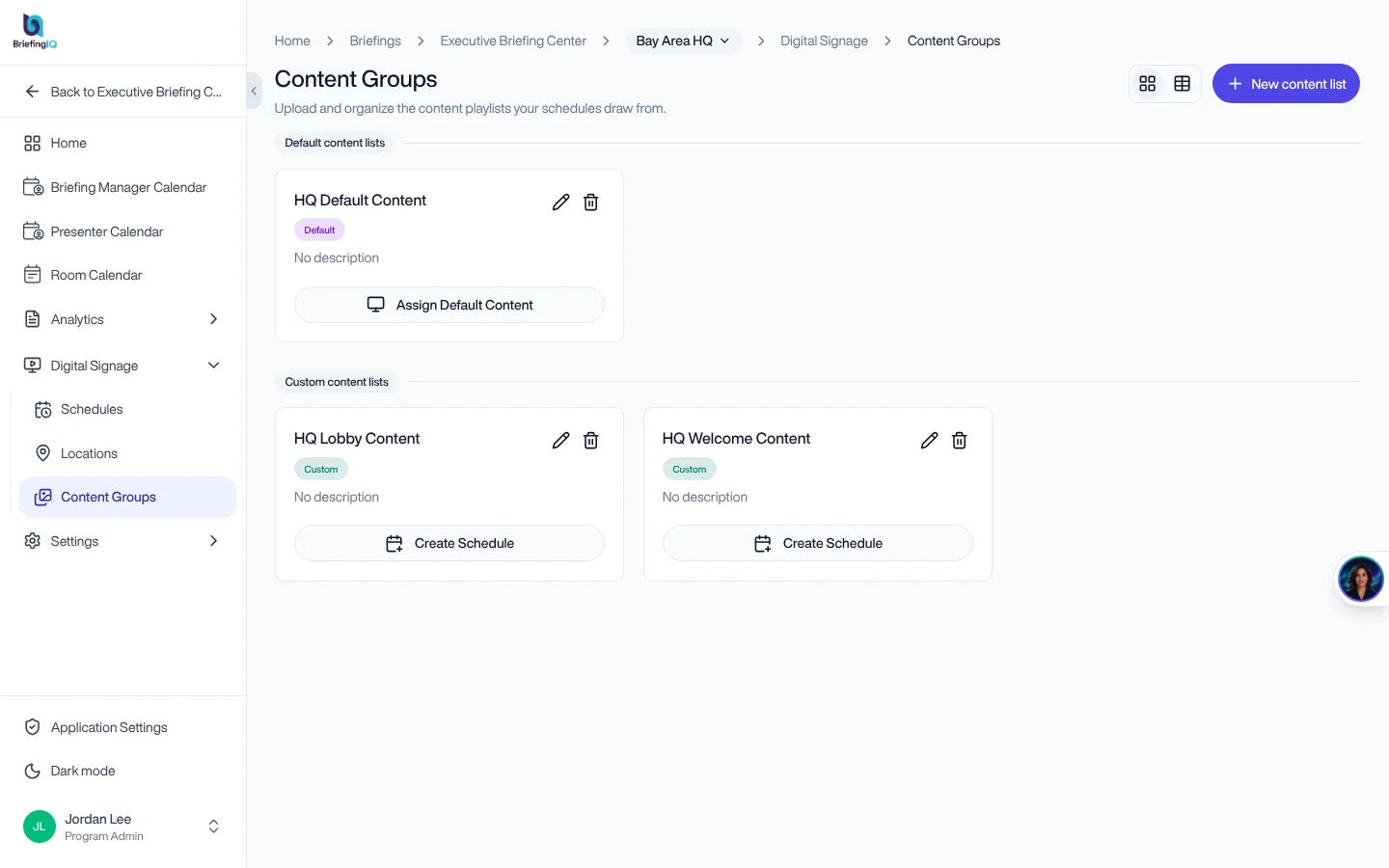
- Build content groups. Keep a default content list for each location and custom lists for special visits.
- Schedule by room. Choose what plays in which room and when.
- Publish. Schedules show their status, from published to completed, so you know what's live.
What's included
Schedules by room
What plays where, and when, across every room.
Event and custom content
Content tied to a briefing, or your own lists.
Default content
A fallback list for each location.
Status
Published and completed schedules at a glance.