
BriefingIQ · Approval workflows
Approve the right visits, fast.
The right approvers, in the right order. No chasing.
Right requests, fast.
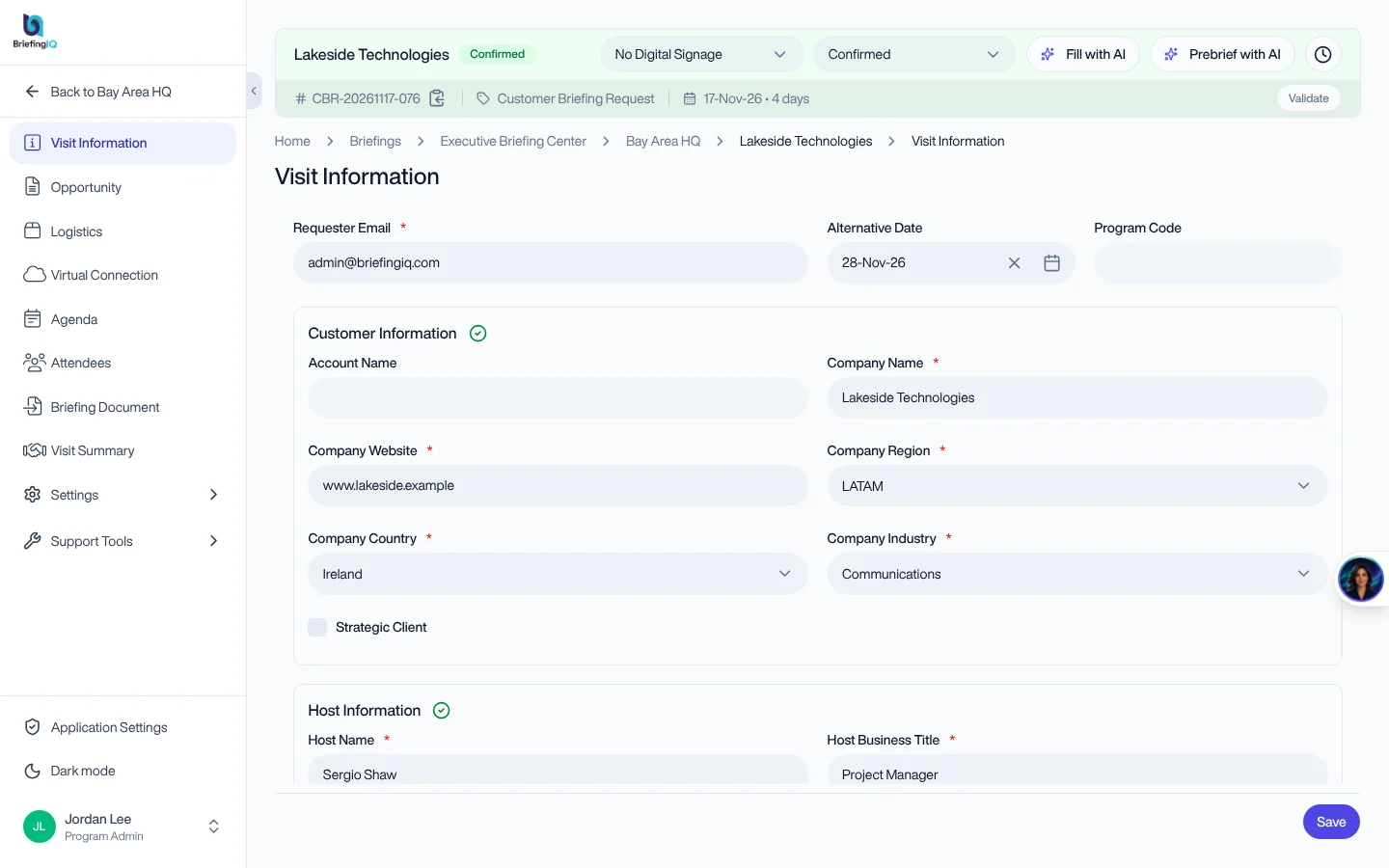
Executive time is limited, so most programs approve requests before booking anyone. Done by email, approvals stall and nobody knows where a request stands. BriefingIQ routes each request through the workflow its business unit defines, and shows its status to everyone involved.
How it works
- Request. A rep submits a request with the account, opportunity, goals and requested executives.
- Route. The request moves through the approvers set for that business unit and request type.
- Decide. Approvers accept, decline or send it back with a note; the requester sees each step.
What's included
Configurable steps
Set approvers and order per business unit and request type.
Status for everyone
Requesters see where their request stands at every step.
Required fields
Requests can't be submitted without the details approvers need.
Role-based access
Seven roles control who requests, approves, schedules and configures.
Frequently asked questions
Can different teams have different approval steps?
Yes. Workflows are set per business unit and request type.
Who can change the workflow?
Users with the Admin role configure workflows, users and permissions.