BriefingIQ · AI
Walk in knowing everything.
One-click prebriefs on the customer, the deal and the team.
Prep takes longer than the visit.
Before a visit, someone pulls together account history, attendee backgrounds, open opportunities and the agenda. It's slow, and it gets skipped when the calendar is full. BriefingIQ's AI does that work inside the briefing record, where the data already lives.
Prep without the scramble.
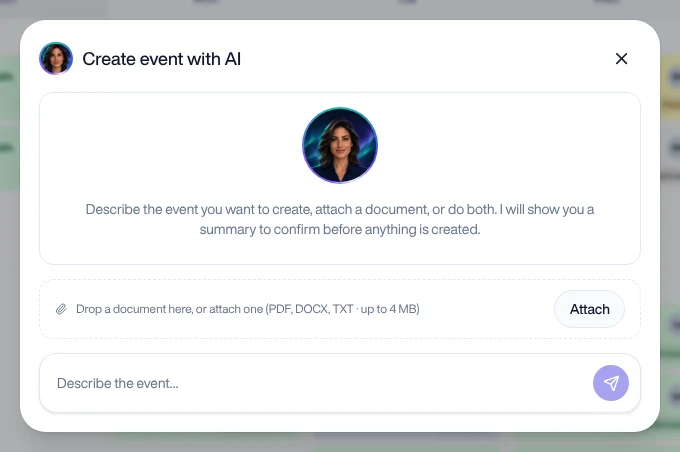
- Create with AI. Describe the event you want, or attach a document (PDF, DOCX or TXT), and AI shows you a summary to confirm before anything is created.
- Fill with AI. Tell AI what to change or add, and it fills in the briefing details for you.
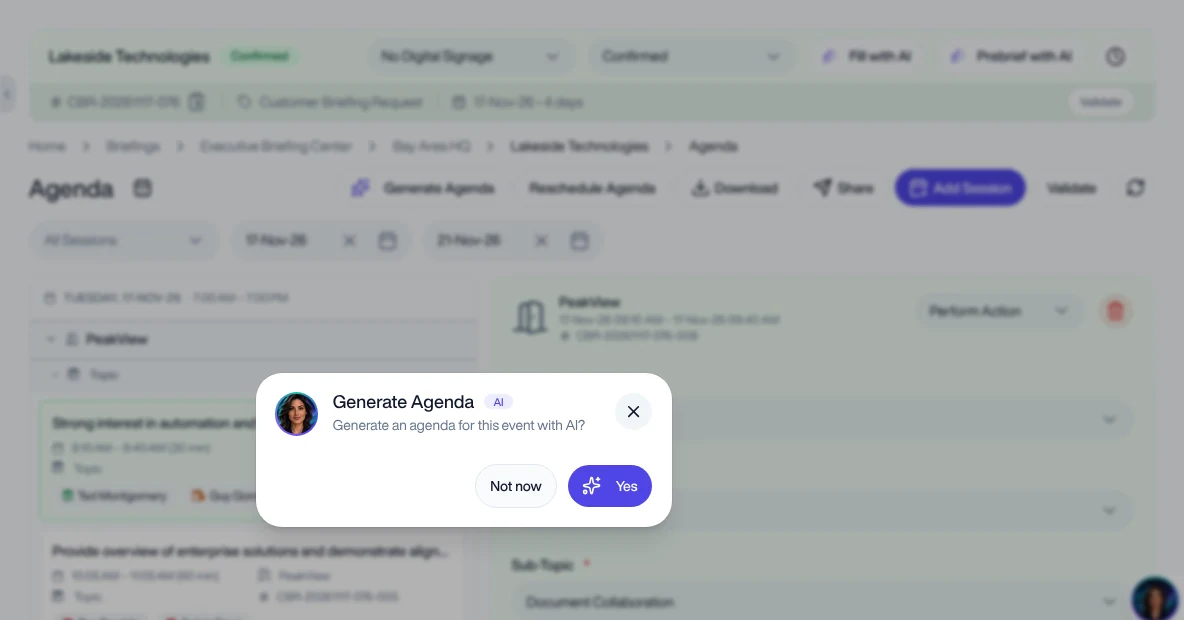
- Generate Agenda. AI builds the agenda for the visit, which you can then adjust, reschedule, download or share.
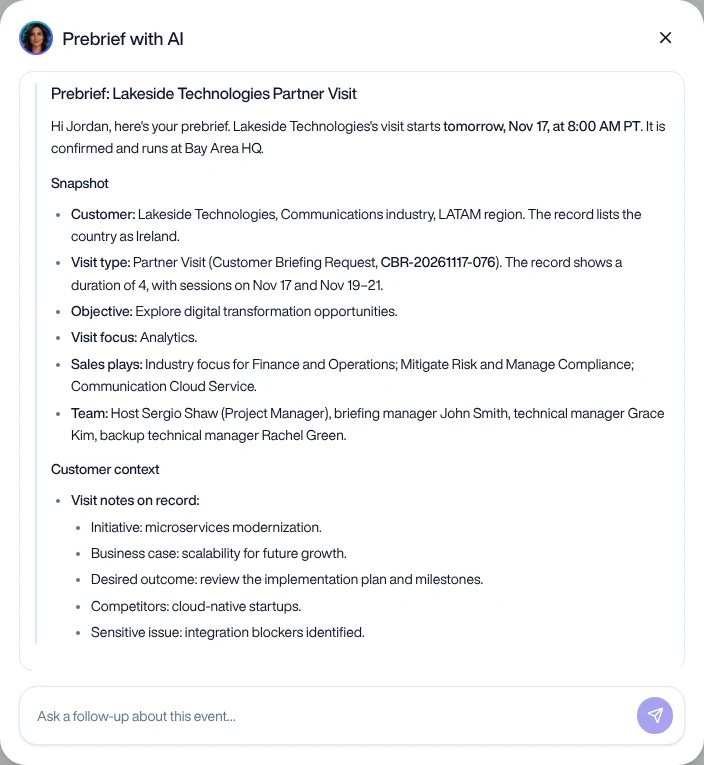
- Prebrief with AI. One click gives your team a prebrief: the customer snapshot, visit objective, sales plays, team, attendees, open opportunities and agenda watch-outs. Ask follow-up questions in the same window.
What's in a prebrief
Snapshot
Customer, industry, region, visit type, objective and visit focus.
Team
Host, briefing manager and technical managers for the visit.
Customer context
Initiatives, business case, desired outcome, competitors and sensitive issues on record.
Opportunities
Open and closed opportunities with value and probability.
Agenda watch-outs
Presenter gaps, topic fit, catering and room overlaps to fix before the day.
Frequently asked questions
What goes into a BriefingIQ prebrief?
The customer snapshot, visit objective, team, customer context, attendees, opportunities and agenda watch-outs, drawn from the briefing record.
Does Create with AI create the briefing straight away?
No. AI shows you a summary to confirm before anything is created.
Can I ask follow-up questions about the prebrief?
Yes. The prebrief window has its own follow-up box.